
Classic Aesthetics, Modern Power
Turbostar provides a distraction-free, highly responsive workspace in the terminal. It pairs a classic look with the robust utility developers demand for complex C++ and Python projects.
Multi-Window Tiled Workspace
Edit multiple files side-by-side with total clarity. Keep your source code, test suites, and terminal outputs visible at the same time without cluttering your screen or breaking your concentration.
- Intuitive Window Dragging: Resize and rearrange windows smoothly with your mouse, while holding
Shiftlets you copy raw terminal text whenever needed. - Synchronized Window Pairing: Related windows (such as code reviews or build logs) move and cycle focus together so you stay in sync as you edit.
Developer Native: Compile, Run & Debug
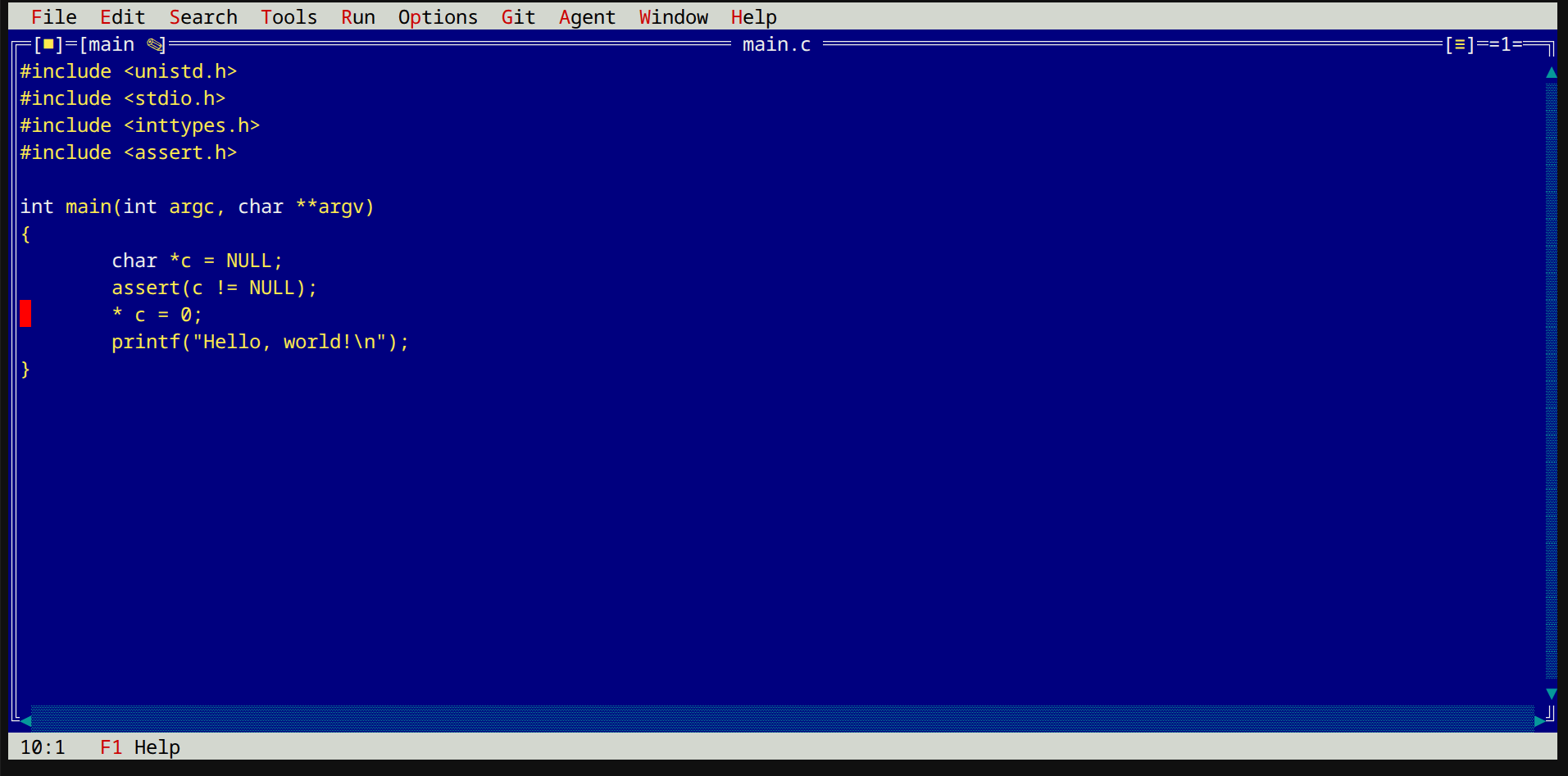
Stay entirely in your flow. Build your software, launch tests, and step through live C++ and Python code without ever leaving your terminal workspace.
- Instant In-Editor Builds: One-keystroke builds (Meson, Make, GCC/Clang) with interactive error tracking that jumps your cursor directly to failing lines of code.
- Full Interactive Debugging: Set breakpoints, step through code line-by-line, and inspect live variables inside split editor windows to resolve bugs in seconds.
Crash Protection & Core View Manager
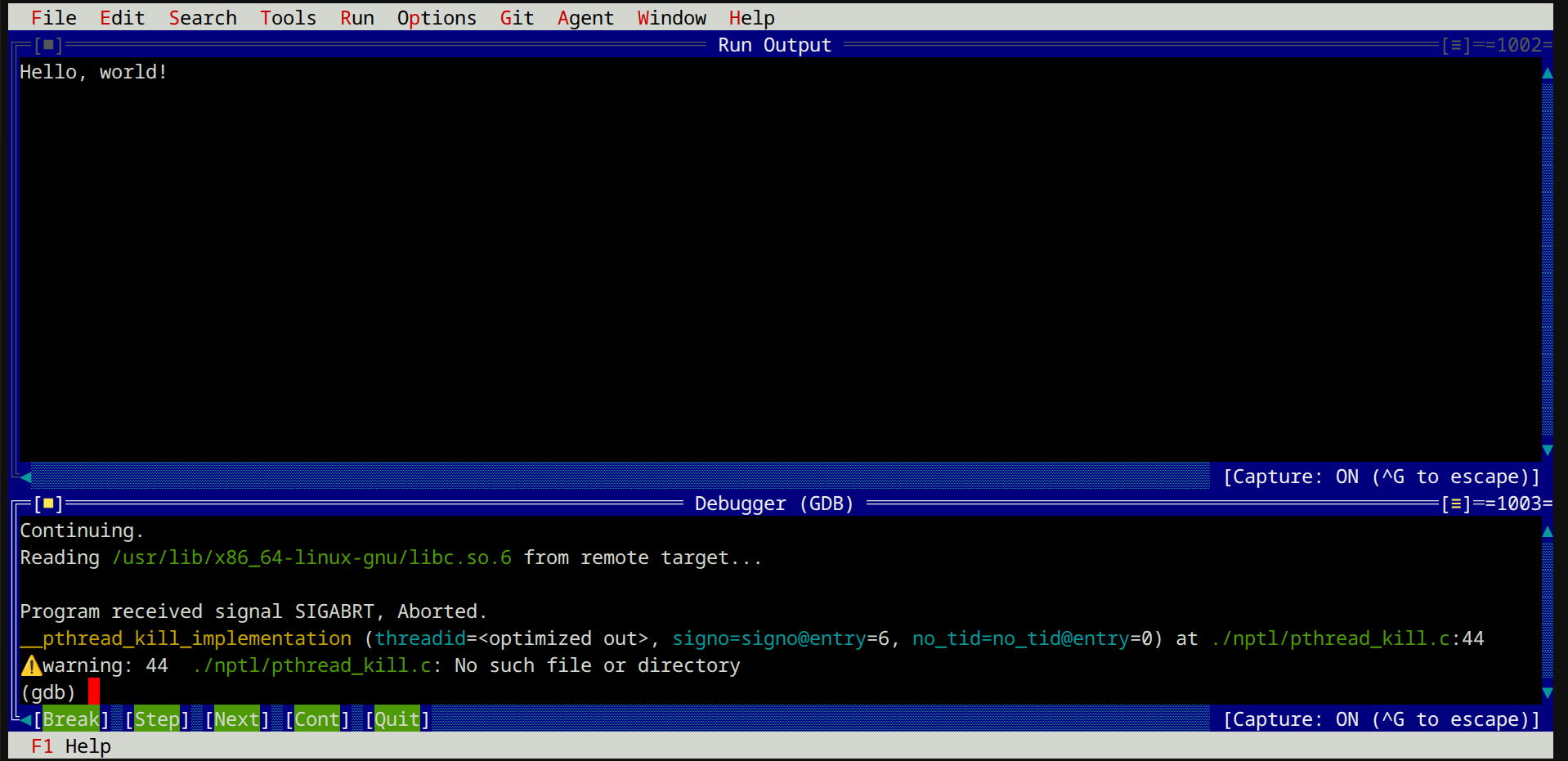
Write and run systems code with zero fear of losing work or scrambling for crash logs. If your application segfaults, Turbostar captures the backtrace and jumps straight to the bug.
- Zero Lost Work: Traps unexpected crashes instantly, preserving your open file buffers and keeping your TUI session completely stable.
- Visual Crash Dump Inspector: View recent coredumps, thread states, and register values directly in the editor without manually invoking external tools.
- One-Click Source Navigation: Jump instantly from stack backtraces to the exact source file and line where the error occurred.
- Clean Terminal Recovery: Automatically restores your terminal prompt to clean standard mode if an unhandled signal strikes.

Zero-Dependency CPU Performance Profiling
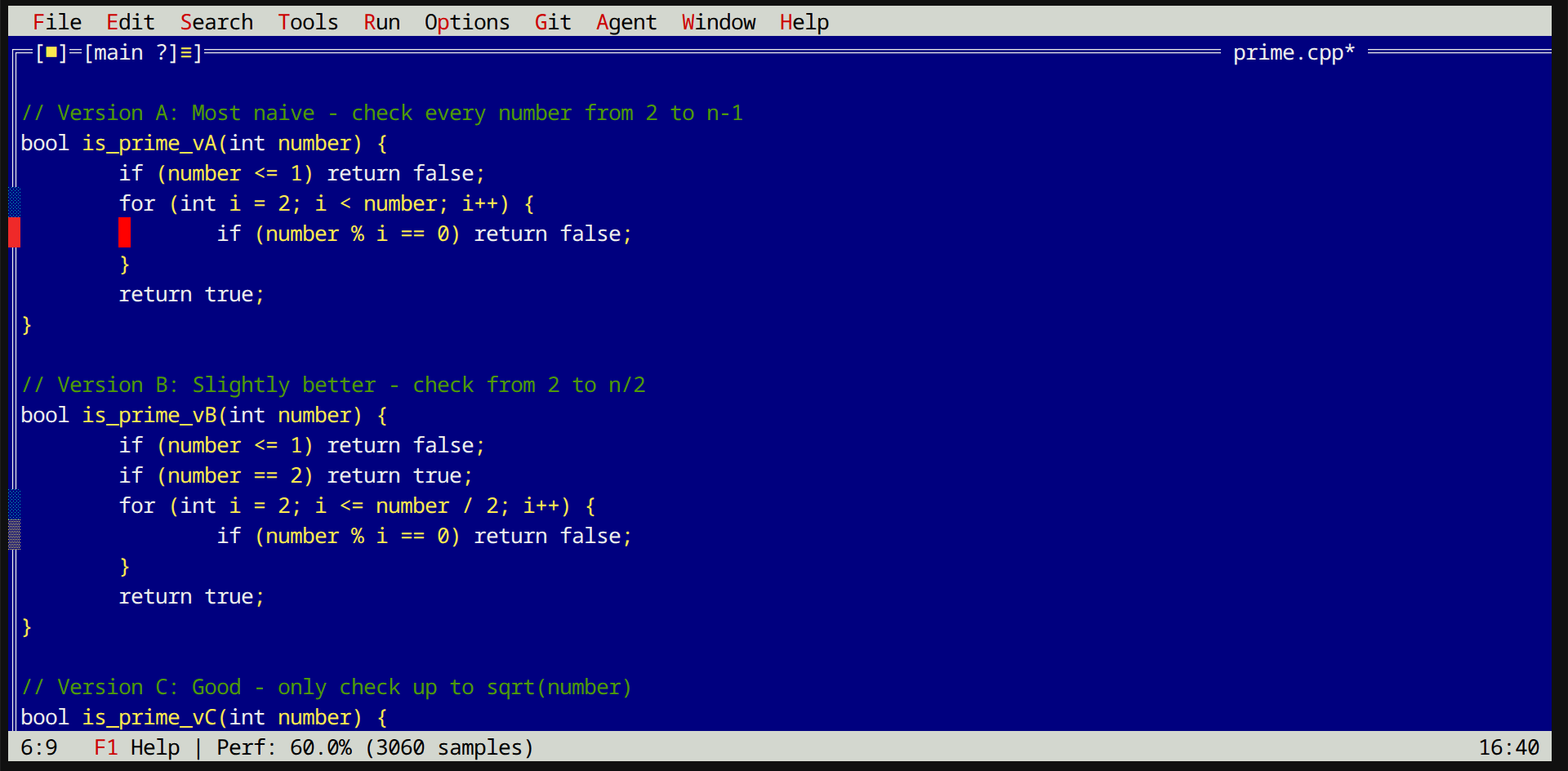
Spot performance bottlenecks visually as you write code. Live CPU cycle profiling highlights hot code paths directly in your editor gutter with zero setup or external tools.
- Visual Gutter Heatmap: Color-coded density blocks (
░cyan ≥ 1%,▒yellow ≥ 10%,█red ≥ 50%) pinpoint hot source lines right next to your code without taking up screen space. - One-Key Hotspot Jumps (
F7): Instantly jump to the top CPU bottlenecks across your entire project in rank order, with automatic file opening and line centering. - Live Cursor Profiling Stats: Moving your cursor onto any profiled line instantly shows cycle percentages and sample counts in the status bar.
- Edit-Resilient Heatmaps: Performance highlights update dynamically as you add or remove lines, keeping cycle data accurate while you refactor.
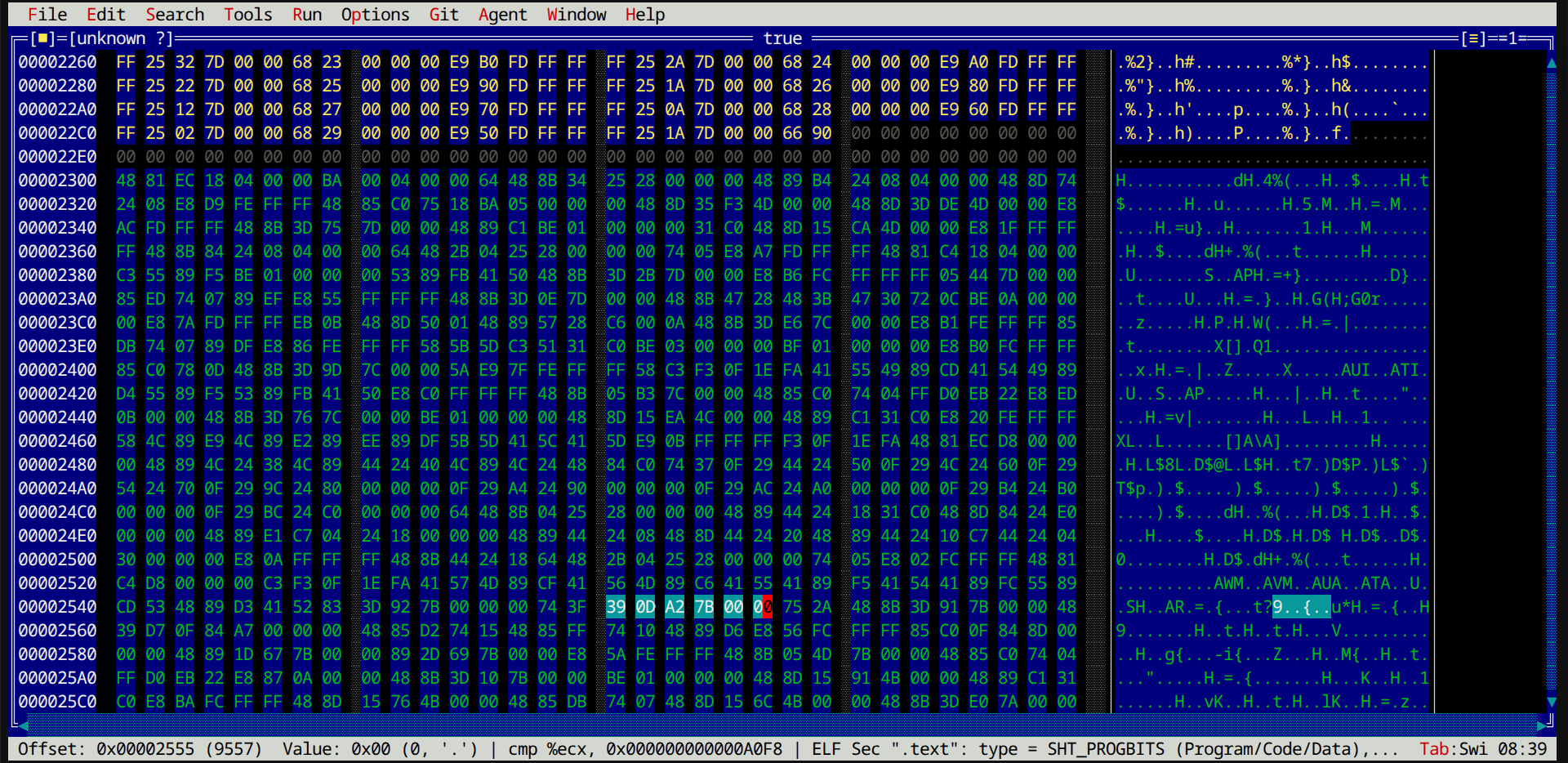
Integrated Hex Editor & Disassembler
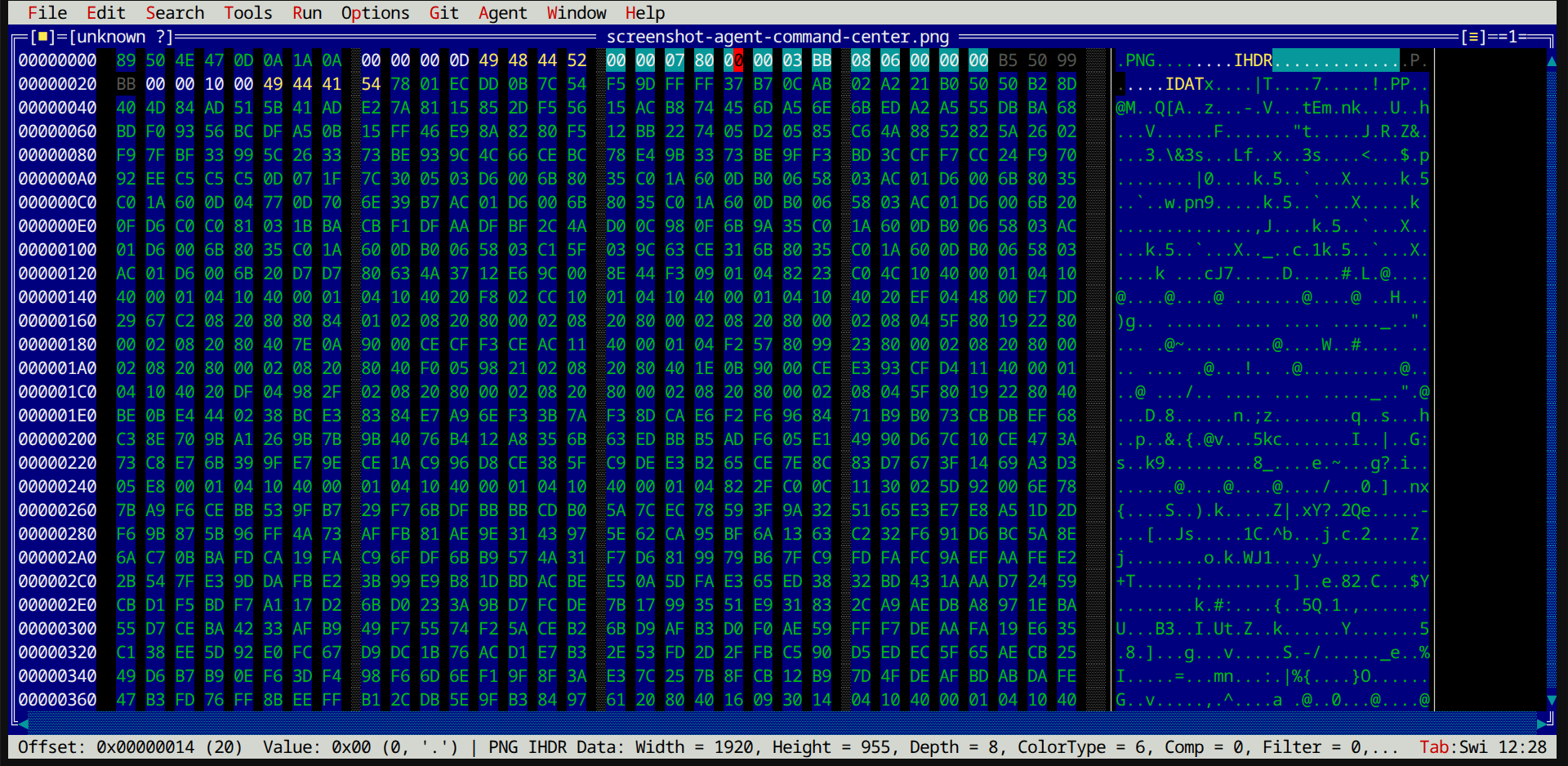
Inspect, edit, and disassemble binary files safely. Decode file structures, modify raw bytes, and view x86 assembly inline without leaving your TUI workspace.
- Dual-Column Hex & ASCII View: Edit raw hex tuples or ASCII text side-by-side, switching columns instantly with
Tab. - High-Contrast Format Highlights: Spot null bytes, control codes, and printable characters at a glance with clear color coding.
- Automatic File Structure Decoding: Decode ELF, PNG, and JPEG headers automatically to inspect binary metadata and section boundaries.
- Inline x86 Disassembly: Disassemble x86/x64 machine code instructions side-by-side with raw bytes for rapid reverse engineering.
- Nibble-Level Precision: Edit individual hex nibbles in safe overwrite mode to prevent accidental file corruption, with seamless auto-extension at EOF.
Keyboard Quick Reference
Turbostar utilizes WordStar/Joe-style keybinding structures for block selections, search controls, and text deletions. Rather than relying on modern key combinations or menu bar navigation, developers can execute standard commands using prefix keys.
The explicit design goal of Turbostar is to be Joe "finger compatible", ensuring that muscle memory from classic Joe and WordStar editors maps natively to editing actions, while maintaining full support for traditional Turbo Pascal keys (like F2 to save, F3 to load, and F10 to open the main menu).
Key sequences are structured logically: Block Commands begin with Ctrl+K (e.g., ^K B to mark start, ^K K to mark end, ^K C to copy, ^K Y to delete), while Navigation & Deletions map directly to standard terminal signals (e.g., Ctrl+A for start of line, Ctrl+E for end of line, Ctrl+Y to delete a line).
| Command Action | WordStar Keybinding | Alternative Shortcut |
|---|---|---|
| Open File Menu | — | F10 or Esc |
| Load File | ^K O |
F3 |
| Save Document | ^K S |
F2 |
| Select Block Start | ^K B |
— |
| Select Block End | ^K K |
— |
| Toggle AI Agent Window | ^K A |
— |
| Undo History | ^K H |
— |
| Quit Editor | ^K Q |
Alt+X |