
Classic TUI Workspace
Effortless multitasking in the terminal—edit code, manage visual split windows, and navigate fast with familiar WordStar and Turbo Pascal keybindings.
Read details →Turbostar is a terminal-based (TUI) text editor designed with the classic look and feel of Turbo Pascal and Turbo C++, with WordStar keybindings, language server support, and full AI integration.
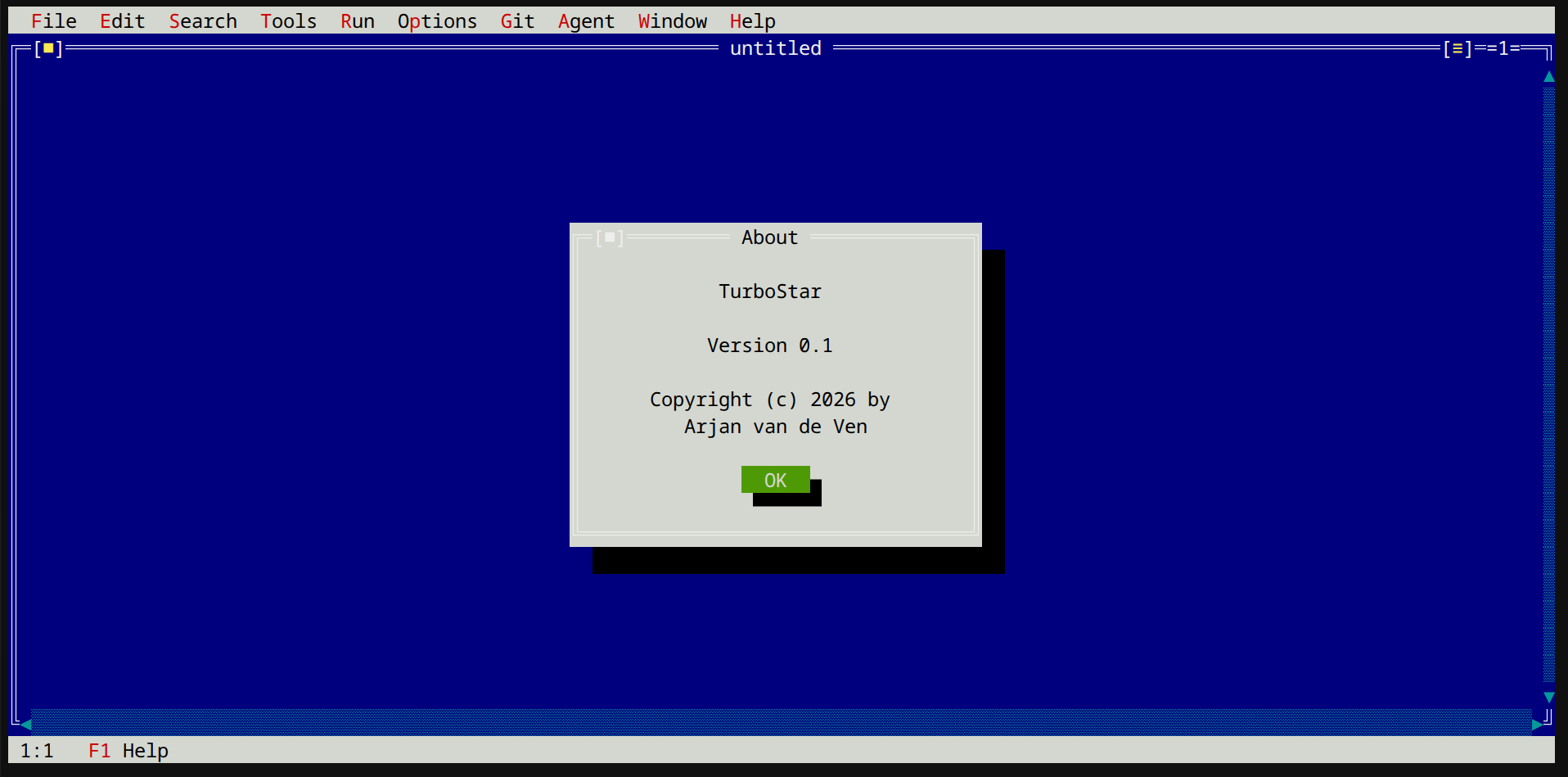
Turbostar bridges the gap between classic rapid-development aesthetics and modern agent-driven workflow.
Effortless multitasking in the terminal—edit code, manage visual split windows, and navigate fast with familiar WordStar and Turbo Pascal keybindings.
Read details →Instant feedback while you code—live language server diagnostics, hybrid Semcode indexing for Linux kernel trees, instant jump-to-definition, and inline Git status tracking right in window headers.
Explore setups →An N-1 model with great native tools outperforms a frontier model with mediocre ones. Your embedded AI leverages LSP X-ray vision, semcode semantic indexing for massive trees like the Linux kernel, coredump GDB analysis, and cycle-accurate performance profiling to write and fix C/C++ code autonomously.
Complete multi-agent control—monitor background agent progress, track subagent task trees, and inspect running processes in real-time.
View dashboard →Prefer your existing CLI? Run Turbostar as a headless MCP server to expose its 60+ specialized tools, LSP X-ray codemaps, Semcode indexing, and GDB crash analysis directly into Gemini CLI, Claude Code, Cursor, and more.
MCP server guide →Build from source in minutes on any modern Linux distribution.
Turbostar is written in modern C++23 and utilizes the Meson build system for configuration and compilation. Ensure you have GCC 13+ or Clang 16+, Meson, and Ninja installed.
apt install g++ meson ninja-build libncursesw5-dev libre2-dev nlohmann-json3-dev libcurl4-openssl-dev libsqlite3-devclangd (C++), pylsp (Python), semcode / semcode-lsp (for Linux kernel trees), and gdb for terminal debugger integrations.# 1. Setup build directory
meson setup build
# 2. Compile and install
meson install -C build
# 3. Launch Turbostar
turbostar