Turbostar logo Turbostar

Why an MCP Server for Systems Programming?

An agent CLI is only as capable as the primitives it can call.

When tasked with complex C, C++, or Linux kernel codebases, raw shell access causes agents to flail: grepping outputs thousands of unorganized lines, language servers time out on monolithic trees, and compiler logs blow past context windows.

The Turbostar MCP server bridges this gap. Without leaving your terminal or switching agent clients, your AI gains deterministic symbol definitions, automated scope bounds, kernel-scale Semcode B-tree indexing, and GDB crash dump inspection.

LSP X-Ray & Instant Codemaps

Give your agent structural vision across multi-million line codebases without wasting context tokens on raw grep searches.

  • Instant Definition Resolution: code_get_definition immediately retrieves exact type, struct, and function declarations across companion headers and source files.
  • Syntax-Aware Symbol Reading: fs_read_symbol snaps code reads to syntactic function and class boundaries, preventing truncated definitions and incomplete signatures.
  • Autonomous Outline Discovery: fs_file_codemap generates concise symbol outlines and line spans so your agent plans targeted edits before reading full files.
  • Semcode Linux Kernel Indexing: For monolithic trees that overwhelm standard language servers, Turbostar queries pre-indexed SQLite B-trees in under 10 milliseconds.
turbomcp -- tools/call: code_get_definition

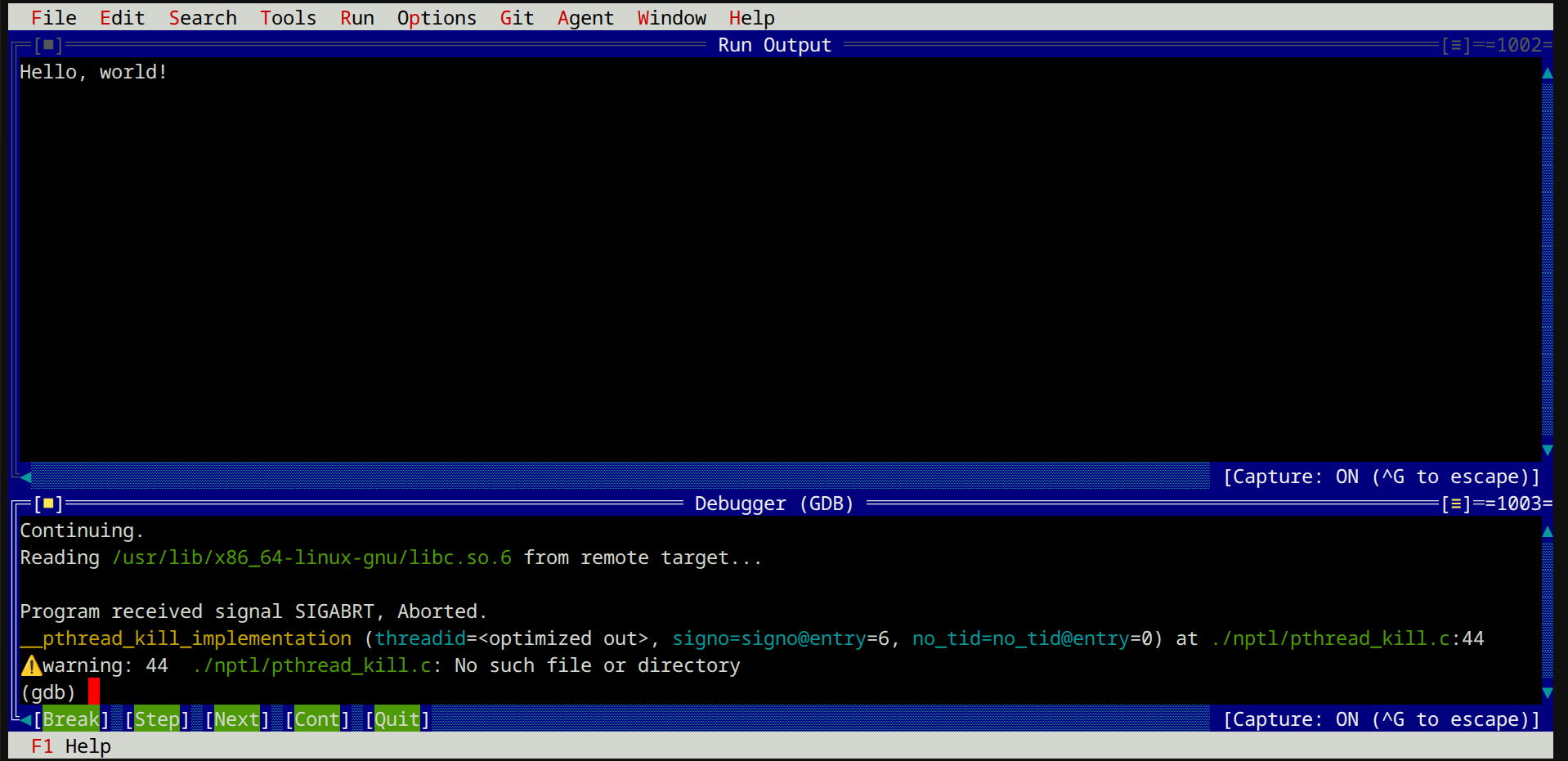
Coredumps, GDB & Binary Inspection

Native bugs require native inspection tools. Turbostar gives your agent the autonomy to diagnose segmentation faults, examine crash dumps, and inspect binary layouts.

  • Automated Crash Analysis: crashdump_get_info parses core dumps, extracts symbolicated GDB backtraces, and highlights faulting memory instructions automatically.
  • Cycle-Accurate Profiling: Identify CPU cycle hotspots and execution bottlenecks through dedicated profiling summaries and instruction-level samples.
  • ELF Symbol & Section Tables: Inspect binary headers, exported symbols, and sections with elf_list_symbols and elf_list_sections.
  • Targeted Binary Inspection: Analyze structured file layouts or inspect arbitrary memory byte offsets with hexdump and hexinspect.
turbomcp -- tools/call: crashdump_get_info

Token-Efficient Builds & Safe Edits

Prevent build noise from exhausting your agent's context and ensure workspace modifications apply cleanly.

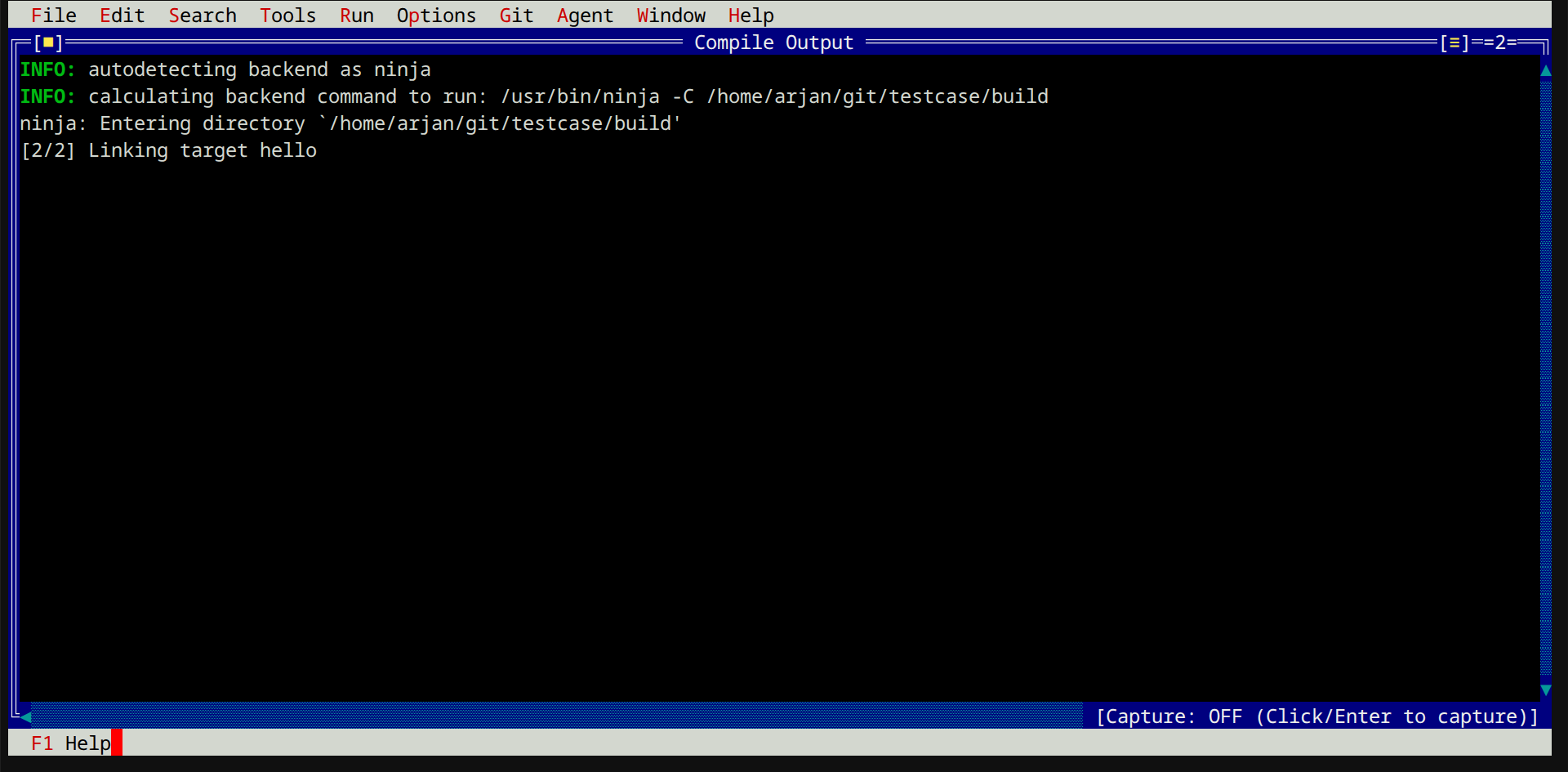
  • Build Diagnostic Minimizer: fs_compile_project and fs_compile_file execute builds, strip thousands of lines of successful compilation noise, and extract only the relevant compiler errors and warnings.
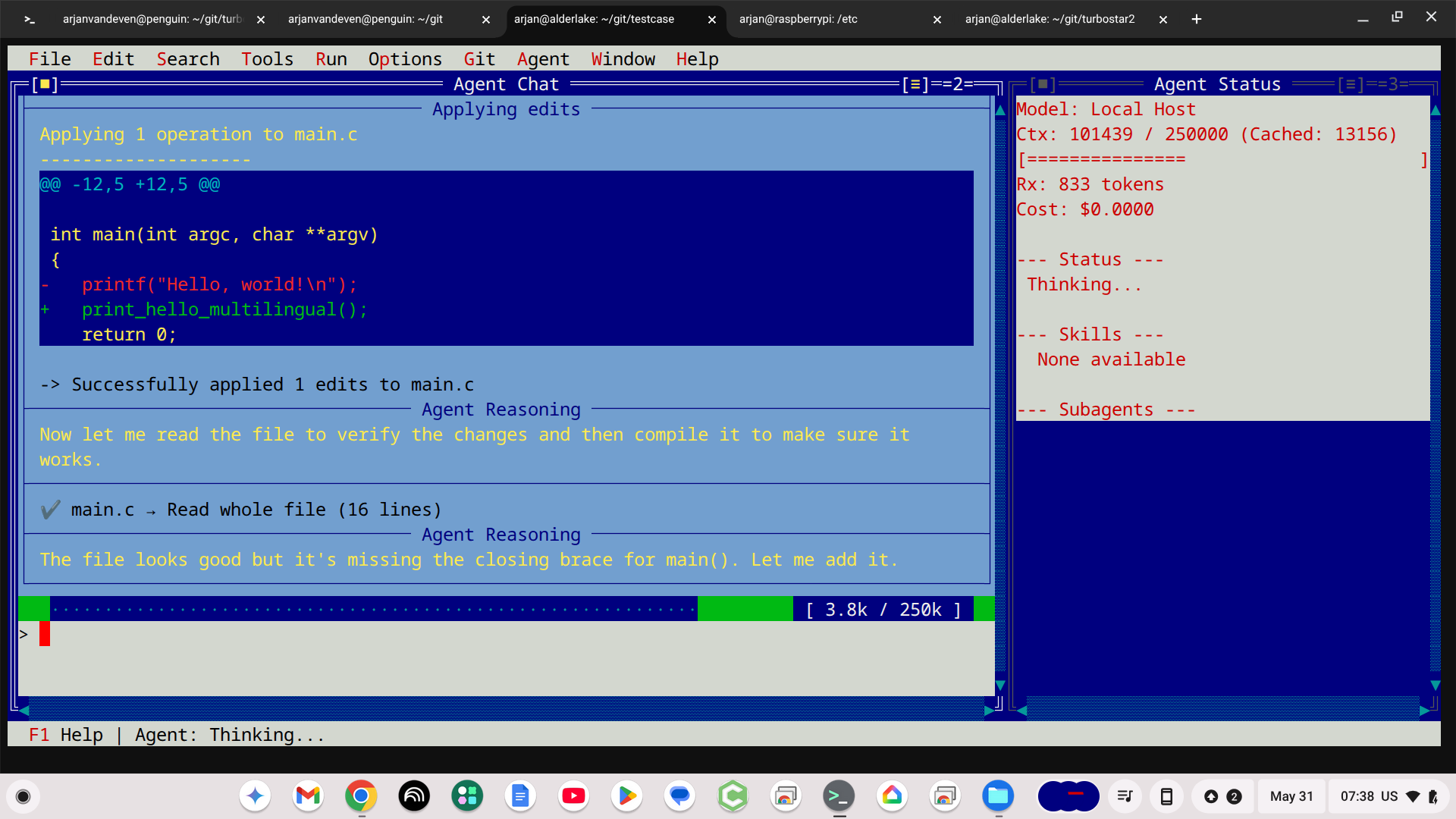
  • Deterministic Multi-Chunk Replacements: fs_replace_content and fs_multi_replace_content validate exact target chunks before applying atomic changes, eliminating hallucinated line drift.
  • Sandbox Boundary Enforcement: All file reads and modifications resolve relative to the configured project root, keeping operations contained and predictable.
turbomcp -- tools/call: fs_compile_project

Installation & Setup How-To

Get the Turbostar MCP server running with your favorite agent CLI in under two minutes.

1. Compile and Install with Meson

Build and install Turbostar using Meson. Running meson install -C build automatically installs the turbostar executable and sets up the turbomcp symlink in your binary path. When invoked under the name turbomcp, Turbostar automatically launches in headless MCP server mode, silences standard stdout logging, and listens for standard JSON-RPC 2.0 requests over stdio.

# 1. Clone and configure build (installing to ~/.local or default prefix)
git clone https://github.com/fenrus75/turbostar2.git
cd turbostar2
meson setup build --prefix ~/.local

# 2. Compile and install (installs turbostar and creates turbomcp symlink)
meson install -C build

# 3. Verify installation
turbomcp --help

Tip: For system-wide installation (e.g. into /usr/local), omit the --prefix flag and run sudo meson install -C build. You can also explicitly launch the server using turbostar --mcp.

2. Configure Your Agent Environment

Add Turbostar to your agent's MCP server registry. Pass --project-dir to specify your target codebase root (defaults to the current working directory if omitted). Standard output logging is automatically silenced in MCP mode, keeping the JSON-RPC stdio protocol stream clean.

Gemini CLI & Antigravity

Add to ~/.gemini/config/mcp_config.json:

{
  "mcpServers": {
    "turbostar": {
      "command": "/home/user/.local/bin/turbomcp",
      "args": [
        "--project-dir",
        "/path/to/your/project"
      ]
    }
  }
}

Claude Code & Claude Desktop

Add to claude_desktop_config.json or ~/.claude/mcp.json:

{
  "mcpServers": {
    "turbostar": {
      "command": "turbomcp",
      "args": [
        "--project-dir",
        "/path/to/your/project"
      ]
    }
  }
}

Cursor & Generic MCP Clients

Configure a standard stdio transport server:

# Command / Binary:
turbomcp

# Arguments:
--project-dir /path/to/project

3. Command-Line Options Reference

Customize the server behavior using the following command-line flags:

Flag Description Default
--project-dir <path> Specifies the workspace document root. Relative file paths, LSP lookups, and sandboxing rules resolve against this directory. . (Current Directory)
--mcp / --mcp-server Explicitly starts the MCP JSON-RPC 2.0 stdio server loop (enabled automatically when the binary is named turbomcp). Auto-detected
--model <id> Overrides the default AI model identifier for prompt-based and subagent tasks. Config default
--yolo Enables non-interactive auto-approval of tool execution prompts. Enabled by default in MCP mode
--all-tool-families Exposes all tool families (navigation, editing, git, debugging, profiling, and subagents). Enabled by default in MCP mode

60+ Purpose-Built Tools at Your Command

Turbostar's tool suite gives external agents superpowers across the full software engineering lifecycle.

🧭

Navigation & LSP X-Ray

Find symbols, examine definitions, and query monolithic codebases without token bloat.

  • code_get_definition: Jump directly to struct, class, and function definitions.
  • code_get_references: Track symbol usages project-wide.
  • code_get_scope: Retrieve enclosing function and class hierarchy.
  • fs_read_symbol: Read complete syntactic definitions with snapped bounds.
  • fs_file_codemap: Compact file outlines with symbol types and line spans.
  • fs_grep_files: High-speed pattern search with scope annotations.
✍️

Precise File Editing

Reliable, deterministic code mutations with exact content validation and line protection.

  • fs_read_lines: Read line slices with automatic symbol dependency codemaps.
  • fs_replace_content: Strict substring replacements with collision safeguards.
  • fs_multi_replace_content: Atomically replace multiple disjoint blocks in one pass.
  • fs_write_file: Safe file creation with auto-parent directory initialization.
  • fs_find_files & fs_glob: Fast, glob-filtered filesystem discovery.
⚙️

Build & QA Verification

Fast compile-test feedback loops with automated diagnostic extraction.

  • fs_compile_project: Run Meson, Make, or CMake with automatic noise filtering.
  • fs_compile_file: Compile individual translation units with clangd diagnostics.
  • fs_compile_info: Query compilation databases and build configurations.
  • fs_run_tests: Execute test runners and parse structured failure backtraces.
🔬

Systems Debugging & ELF

Low-level inspection tools tailored for native systems and kernel engineering.

  • crashdump_get_info: Autonomous GDB coredump backtrace symbolication.
  • elf_list_symbols: Inspect symbol tables, sizes, and bindings.
  • elf_list_sections: Query binary ELF section headers and memory layouts.
  • hexdump & hexinspect: Byte-level inspection and structured parsing.
  • run_shell_command: Sandboxed shell execution with output management.
🌿

Git Version Control

Comprehensive repository inspection and branch management without shell parsing quirks.

  • git_status: Structured repository status and file modification flags.
  • git_diff_unstaged & git_diff_staged: Clean, unified diff generation.
  • git_log & git_blame: Commit history and line-by-line attribution.
  • git_add, git_commit & git_checkout_branch: Workspace state management.
👥

Subagents & Orchestration

Spawn autonomous helper agents for focused research or parallel verification.

  • invoke_subagent: Delegate background tasks to specialized subagents.
  • send_message: Communicate asynchronously with running subagents.
  • get_subagent_output: Retrieve structured outcomes and transcripts.
  • list_subagents & kill_subagent: Monitor and supervise active agent tasks.
View Full Tools Schema Reference →